Handover day. Is the chipped tile on the list?
Punch list software for interior designers gives the final defects a place in the project record. This Ordine walkthrough adds a contractor, creates a bathroom checklist, records a repair and opens project status as text for a written update.
Make the final defects part of the project record
The opening scene brings the work to handover day, when a chipped tile becomes the detail everyone notices. The application walkthrough follows with a practical record: the contractor, a task for the remaining defects and a checklist to work through.
For a studio coordinating the finished interior, these last points need the same attention as earlier design decisions. The example keeps them within the project so you can return to the recorded work during the final checks.
Snag list software for interior designers, inside the Execution phase
The walkthrough starts by adding an “Execution” item. The form includes the contractor's name, phone number, start date and days on site.
Those details give the work a clear context. The person involved and the planned time on site belong with the execution item, while the task below holds the specific checks that need to be completed.
The example then creates “Snag list — bathroom.” Its name identifies both the purpose of the task and the room, making the final checks easy to recognize when reviewing the project.
Turn four defects into individual checks
Four defect descriptions are pasted into the task's checklist. Each becomes its own point, including the chipped tile introduced by the opening scene.
That lets you review each defect separately. Some repairs may be complete while others still need attention; individual checkboxes give you a record at that level instead of a single status for the whole bathroom.
The walkthrough adds the note “replaced” beside the tile point and checks it off. The note records what happened, and the checkbox records completion of that point. Both remain connected to the defect they describe.
Return to the unfinished work
After the repair is marked, the project overview still shows the unfinished checklist at the top. The remaining points give you a route back to the work that needs another check.
This is useful for a return visit. Open the list, review the remaining defects and update the points as repairs are checked. The task holds the group together while the individual items carry their own progress.
Prepare a written update from Status
The final application step opens “Status,” which presents the project as plain text with a “Copy all” button. The narration describes it as ready for a written message.
Read the text and select the information relevant to the recipient before sending your update. The view covers the project, so the useful message may be a shorter selection about the execution work or the next check.
The sequence connects contractor details, individual defects and a readable project status, giving the final stage of the renovation a working record you can review.
Ordine does not produce a signed handover certificate.
Questions and answers
Is a punch list the same as a snag list?
Can I record what was done to fix a defect?
Where do the remaining defects appear?
How can I prepare a written update?
Give the final checks a clear record.
Join the Ordine early-access list for launch news and an early price offer. No payment today. No obligation to buy.
More videos
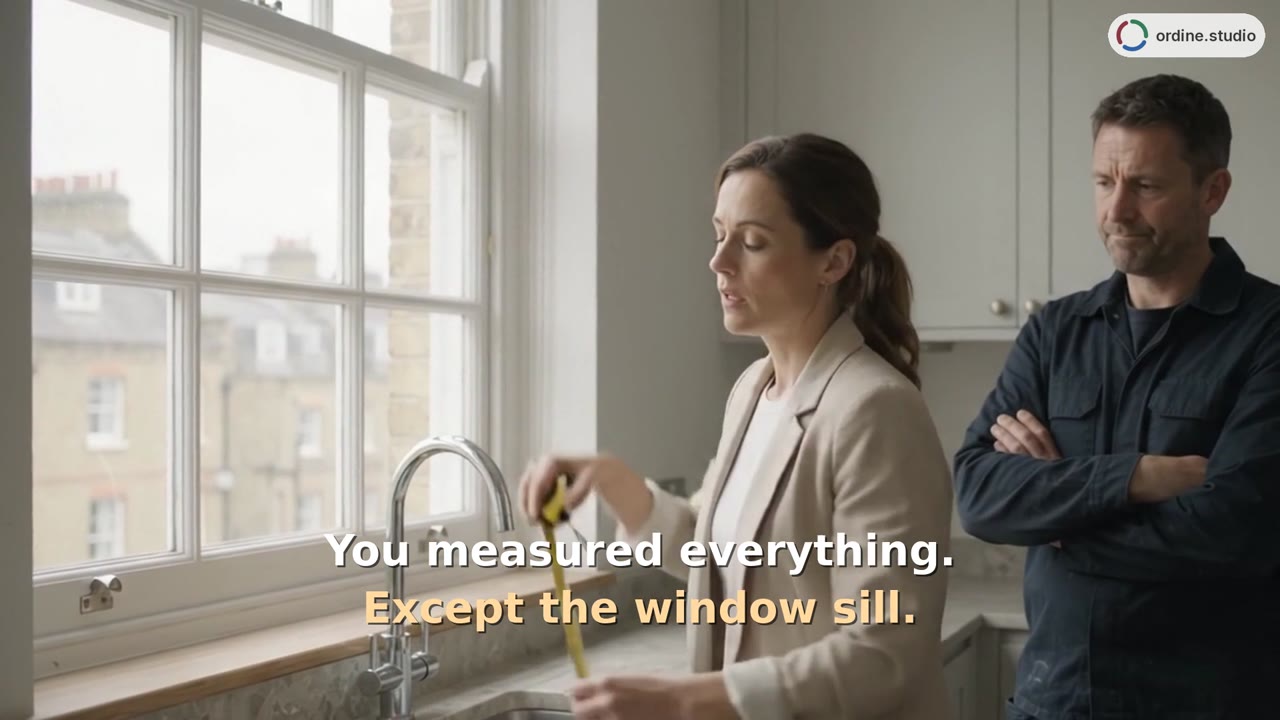 75 sGetting startedExplore the project setup, three work phases and a kitchen checklist in Ordine. The walkthrough shows a note beside a site check, completed checklist items, the task timer and the Up Next overview.
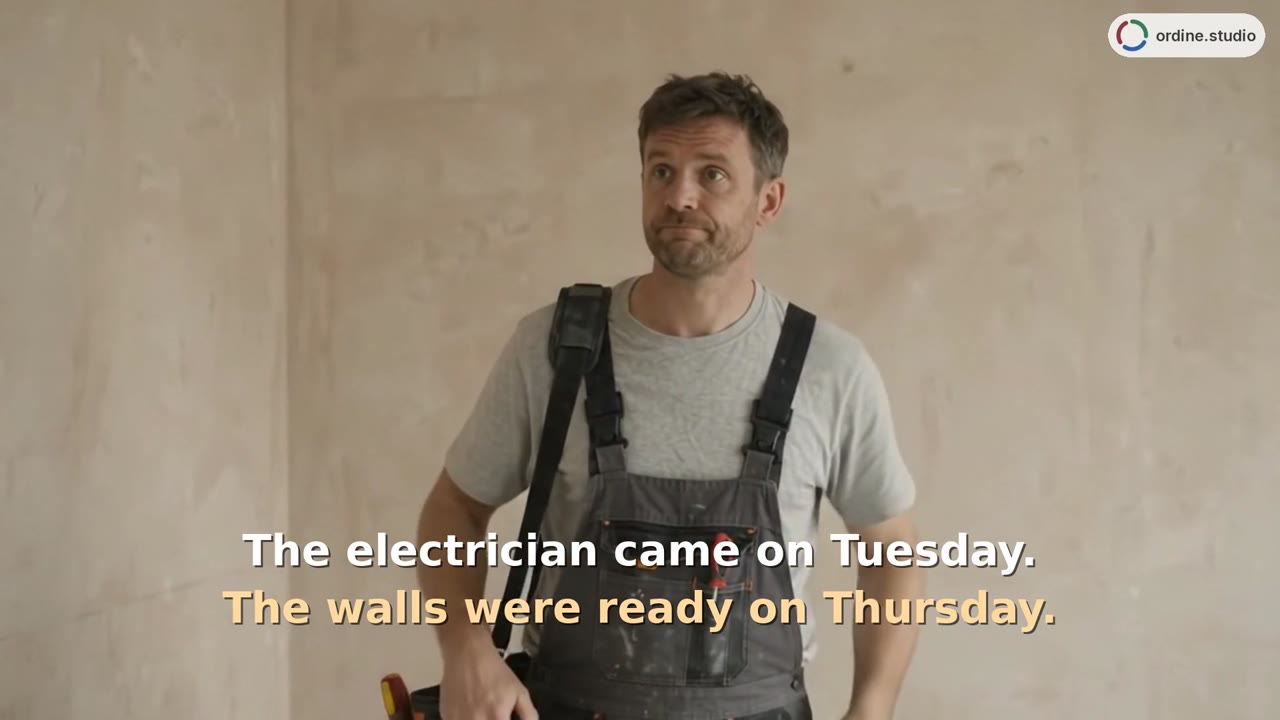 53 sTasks and deadlinesA kitchen-project walkthrough introduces a new task, appointment details and a checklist follow-up. See how dates and unfinished checks appear alongside the work in Ordine's Up Next overview.
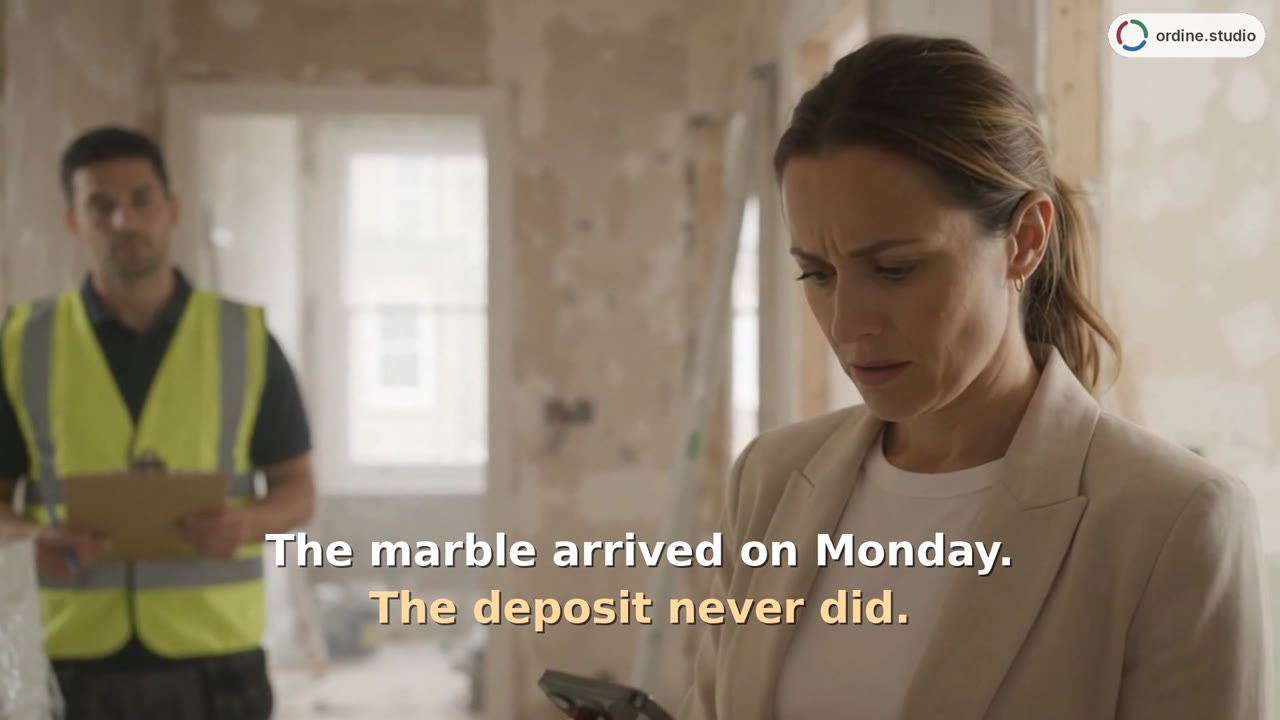 48 sSupplier orders and paymentsTrack the supplier, delivery date, and order status, and review client and supplier payments separately.
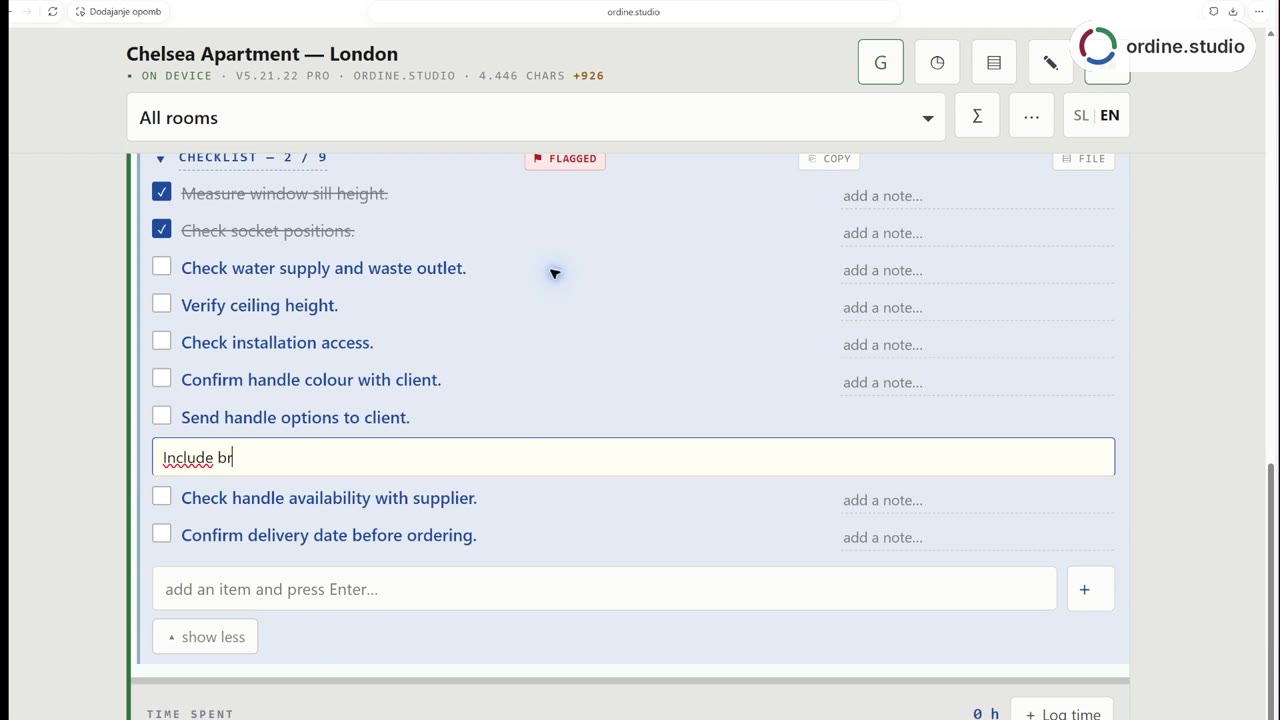 56 sSite visit checklistFollow a kitchen-project workflow in Ordine: review a checklist, mark two checks complete, record the client's finish choice and add a follow-up about the handle selection. The demonstration combines a staged site scene with a real recording of the app.