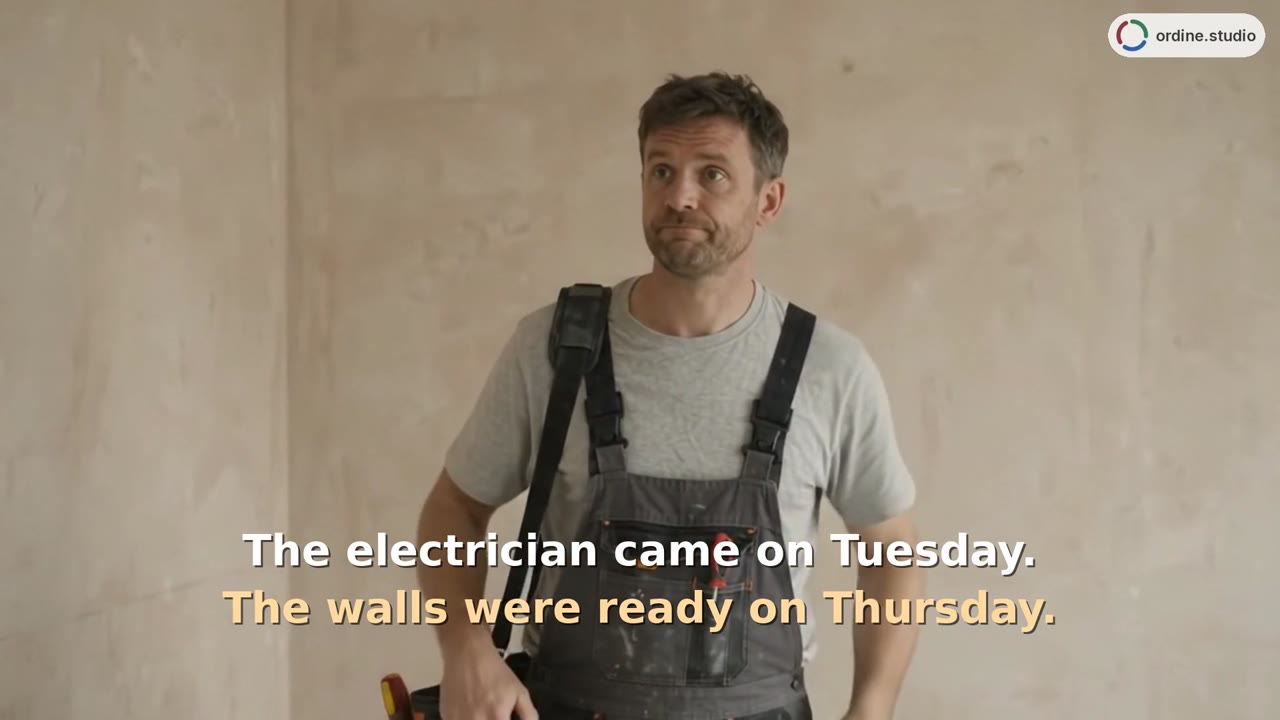
You measured the room. Did you check the windowsill?
A renovation brings together site checks, design decisions and work that still needs doing. This interior design project management software demo introduces a project workspace where tasks, checklist notes and progress stay together, from design through ordering and execution.
Where do the small details of a renovation belong?
A windowsill height is easy to overlook when a site visit includes several measurements and a conversation with the client. The opening scene illustrates that familiar problem. The walkthrough then moves into Ordine to show how a checklist can give individual checks a place within the project.
For interior design studios managing more than the drawings, the working record matters. A measurement to verify, a supplier question and an installation task may belong to different stages, but they are all part of delivering the same interior.
One project, three phases
The video introduces the project setup form and the three sections used to organize work: Drawing, Ordering and Execution. Each phase has its own color. These sections organize the work around the project; Ordine does not create the drawings themselves.
The kitchen example shows tasks and a checklist within that structure. Rather than treating a whole site visit as a single completed action, you can review the individual checks and leave unfinished items open.
Add context beside a check
The demonstration records a windowsill measurement as a note beside the relevant checklist item. It then marks several checks complete, showing the checklist count and project progress change. The note gives context to the check when you return to it later.
This is a place to record information around your work. You can continue using your design tools for drawings while keeping the related checks and actions in Ordine.
See the work still ahead
The walkthrough also starts a task timer and returns to the Up Next overview, where an overdue item and unfinished checklist are visible. These are different views of the same project: time spent on the task, details checked and work still requiring attention.
Use this introduction to understand the structure before exploring the separate demonstrations on deadlines and supplier orders. The value is in a working record that is specific enough to use at the next visit or studio session.
An interior design project management software demo with a practical starting point
The example stays with one kitchen project so the relationship between the parts is easy to follow. A task has its own checklist; a checklist item can carry a short note; completed checks update the visible progress. You do not need to interpret a long project report to understand that small sequence.
The header also identifies where the work is saved. In this recording it says “On device,” matching the browser-based workspace introduced in the narration. This walkthrough focuses on that local project view rather than demonstrating synchronization between devices.
Start by watching the relationship between the task and its checks. Then look at the overview again: it connects the detailed work below with the items still open above. That is the foundation for the later videos in the series.
Questions and answers
What does this Ordine walkthrough cover?
Can a checklist item have its own note?
Does Drawing mean Ordine is a CAD program?
Is early access a paid preorder?
Give the details of your next project a place to live.
Join the Ordine early-access list for launch news and an early price offer. No payment today. No obligation to buy.
More videos
 53 sTasks and deadlinesA kitchen-project walkthrough introduces a new task, appointment details and a checklist follow-up. See how dates and unfinished checks appear alongside the work in Ordine's Up Next overview.
 48 sSupplier orders and paymentsTrack the supplier, delivery date, and order status, and review client and supplier payments separately.
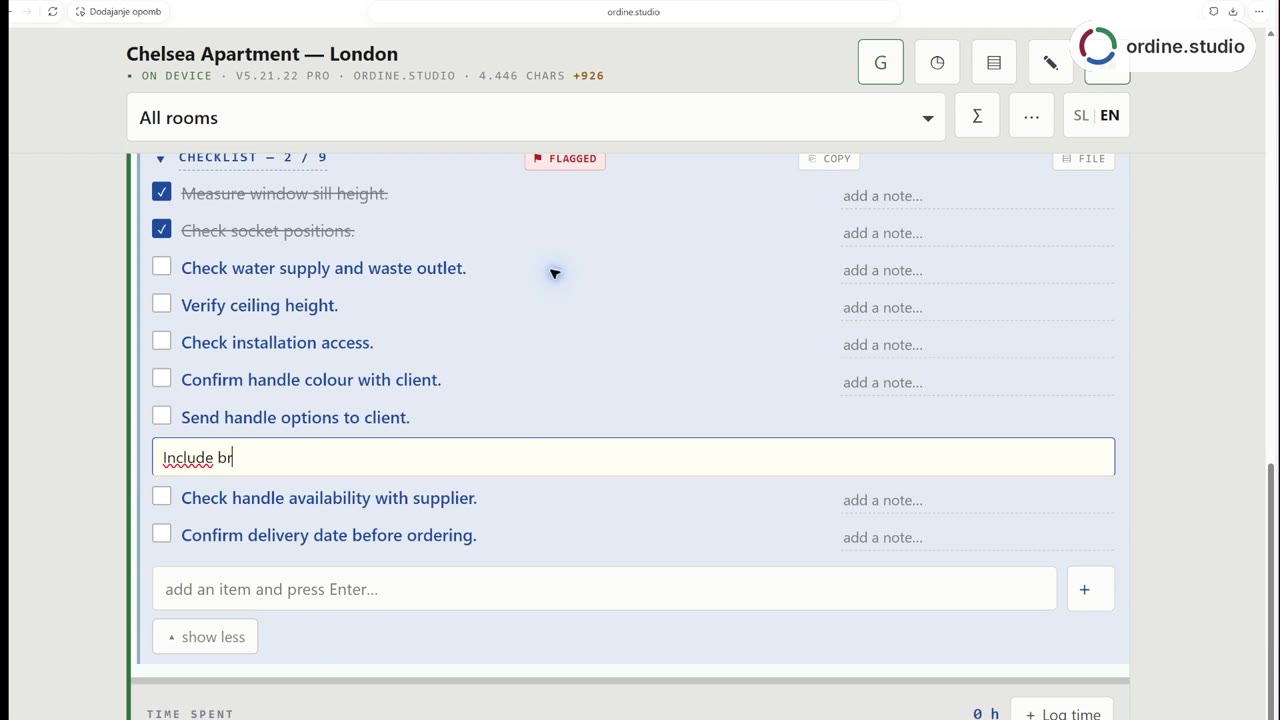 56 sSite visit checklistFollow a kitchen-project workflow in Ordine: review a checklist, mark two checks complete, record the client's finish choice and add a follow-up about the handle selection. The demonstration combines a staged site scene with a real recording of the app.
 48 sHours and revisionsRecord time against tasks, compare included and completed revision rounds, and review hours by room and person.