The marble arrived. Has the client's payment arrived too?
Ordering materials brings delivery dates and payment follow-ups into the design project. This Ordine demo shows a kitchen countertop order with supplier details and two separate payment records: money received from the client and money paid to the supplier.
A delivery and a payment are different milestones
The opening scene presents a simple mismatch: the marble has arrived, but the deposit has not. For an interior design studio managing supply as well as design, material progress and payment progress need separate attention.
An order can be ready for the next practical step while a financial follow-up remains open. Recording those details together gives the designer a clearer basis for checking the situation before proceeding.
Give the supplier order its own place
The walkthrough creates an order for a marble kitchen countertop. The form includes the supplier, a phone number and a delivery deadline. The saved order then appears in the project's Orders and Deliveries section.
That context is useful when you return to the project: which order you are reviewing, who supplies it and which date needs attention. You can use the recorded contact details for your follow-up without trying to recall which conversation contained them.
Track the two sides of payment separately
The order displays two payment rows. One records what the client has paid the studio; the other records what the studio has paid the supplier. The example uses percentage controls and visual progress indicators.
These records answer different questions. A client payment does not mean the supplier has been paid, and a supplier payment does not confirm that the client has settled their side. In the demonstration, one row can show completion while the other remains open.
Keep the order within the wider project
Supplier orders sit within the same project structure as design and site work. This gives a studio managing the renovation a place to review order details alongside the tasks that still need attention.
The payment percentages shown here are records entered in the program. The video does not demonstrate a bank connection, payment collection or invoice creation. Continue using your financial records to confirm actual transactions; use Ordine to keep the project's follow-up information organized.
Order tracking for interior designers who also manage supply
The example is relevant to a studio that remains involved after the design is agreed. Selecting the countertop is one decision; following the order, delivery date and payments is another part of the job. The video keeps those order details together rather than presenting them as unrelated notes.
Watch the two payment rows independently as the values change. Their purpose is to make the recorded state readable at a glance. The color belongs to that particular payment record, so a completed client row should not be read as completion of the whole order.
This is a focused demonstration of one order in a kitchen project. It introduces the information structure without claiming to show a full purchasing system, a product catalog or a completed delivery. The next working step still depends on the actual order and the designer's checks.
Questions and answers
What information is added to the order?
Are client and supplier payments tracked separately?
Does changing a percentage transfer money?
Does this replace accounting software?
What happens when I join early access?
Keep the order and its payment follow-ups together.
Join the Ordine early-access list for launch news and an early price offer. No payment today. No obligation to buy.
More videos
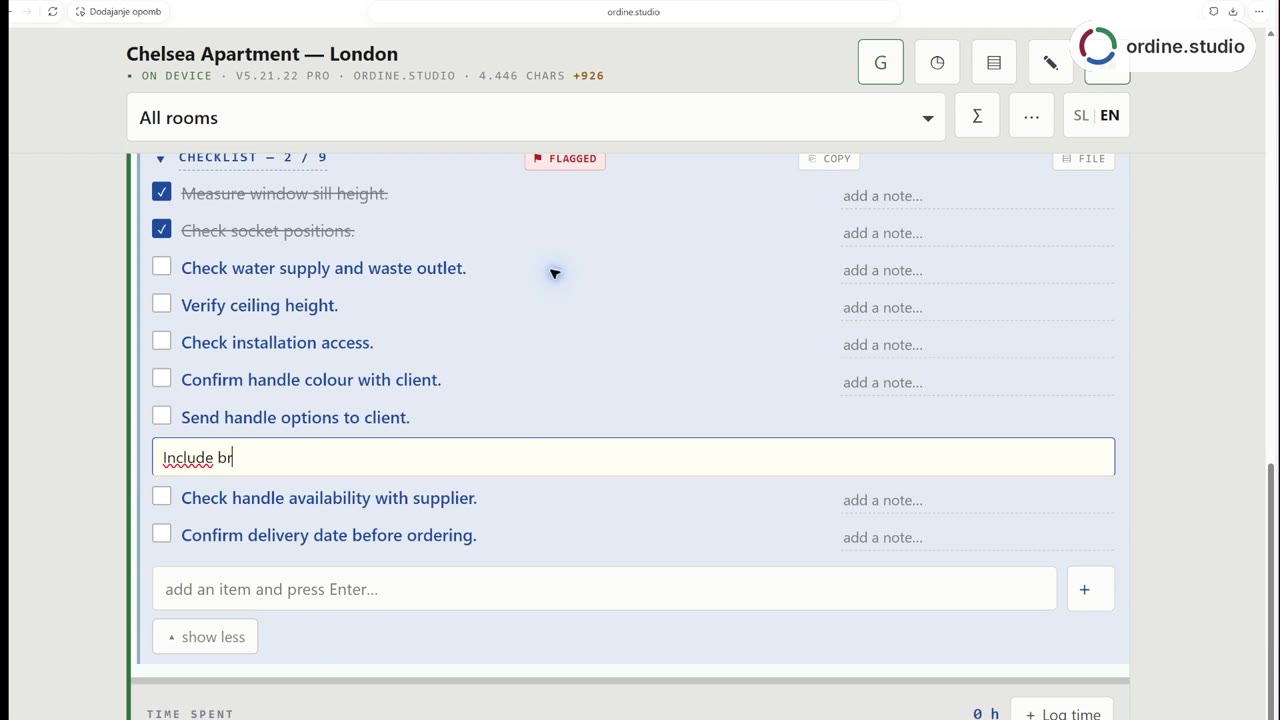 56 sSite visit checklistFollow a kitchen-project workflow in Ordine: review a checklist, mark two checks complete, record the client's finish choice and add a follow-up about the handle selection. The demonstration combines a staged site scene with a real recording of the app.
 48 sHours and revisionsRecord time against tasks, compare included and completed revision rounds, and review hours by room and person.
 37 sClient change requestsCopy the corrections, paste them into a task's checklist and work through the resulting items. The phone-view demonstration adds a note, checks completed points and returns to Unfinished checklists.
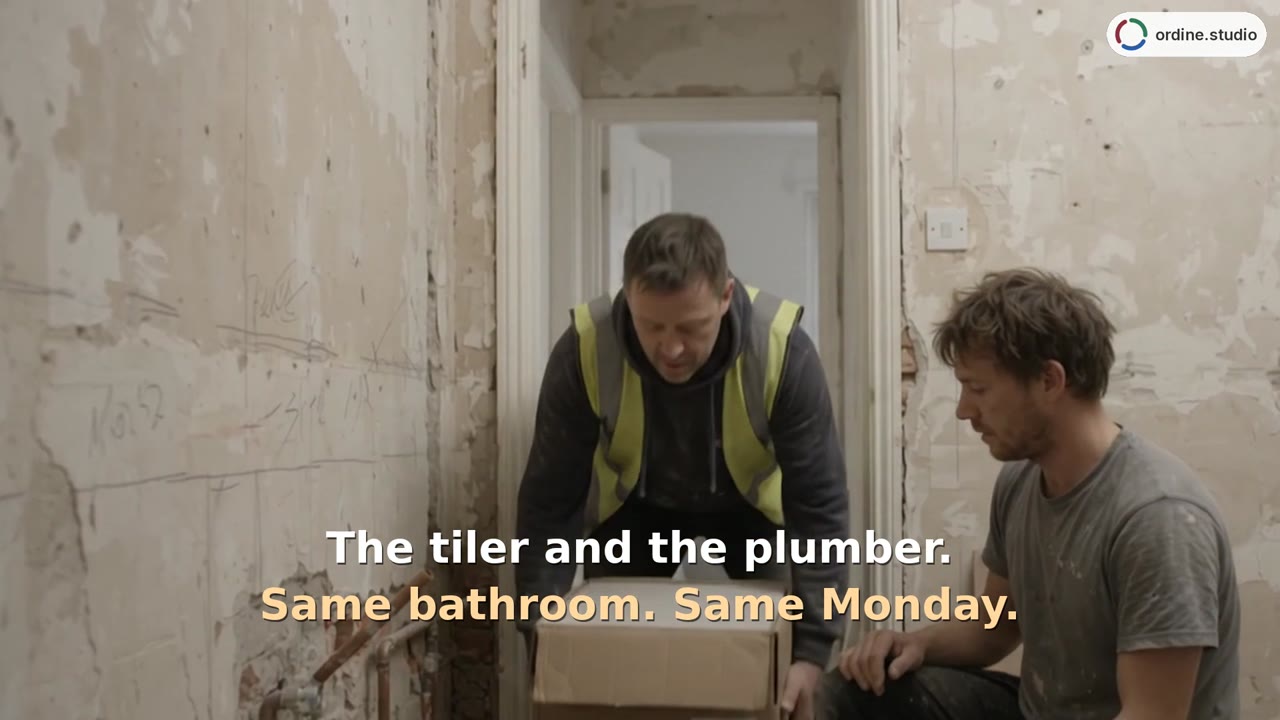 43 sSchedule and contractorsAdd appointments for the plumber and tiler, then review their timing alongside the electrician on the project timeline. Switch to Deadlines for a date-ordered task list.