Studio, site, phone — one project.
See Ordine in action.
Short videos on a fictional kitchen project. Start with the overview, then pick the part of the job you want to see.
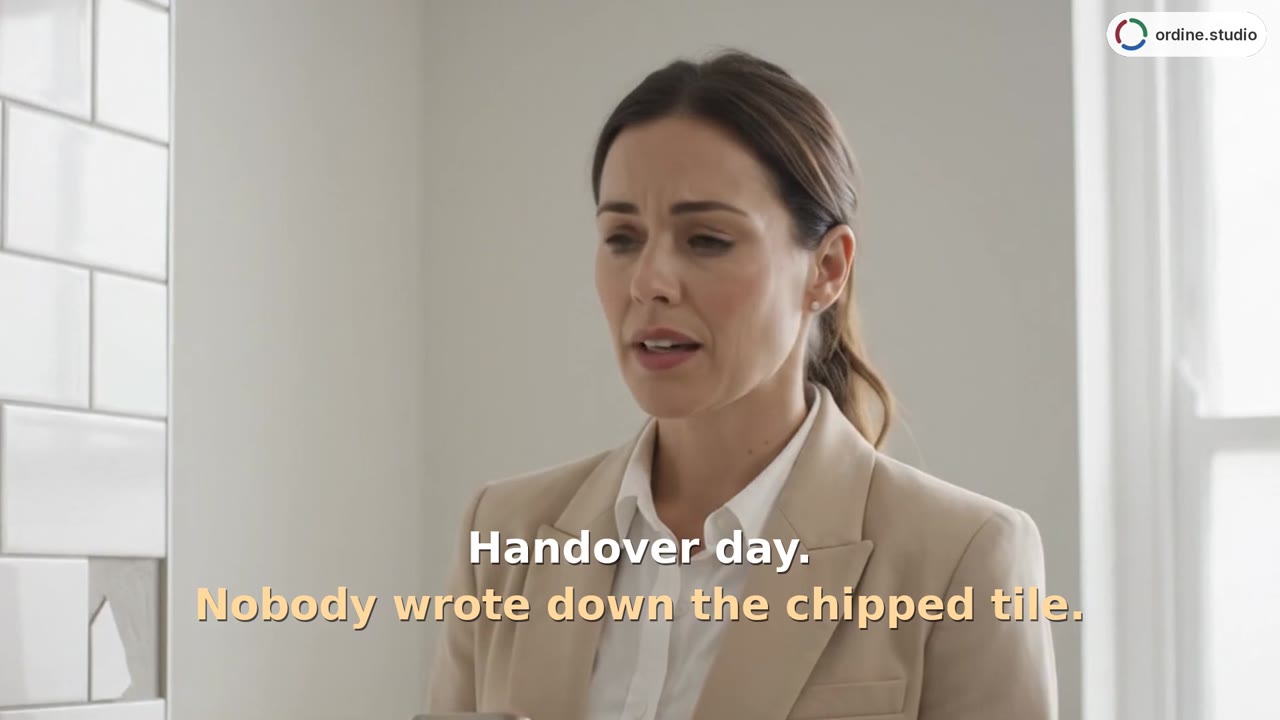 44 sSnag list at handoverReview final items one by one, record completed repairs, and copy the project status for a client message.
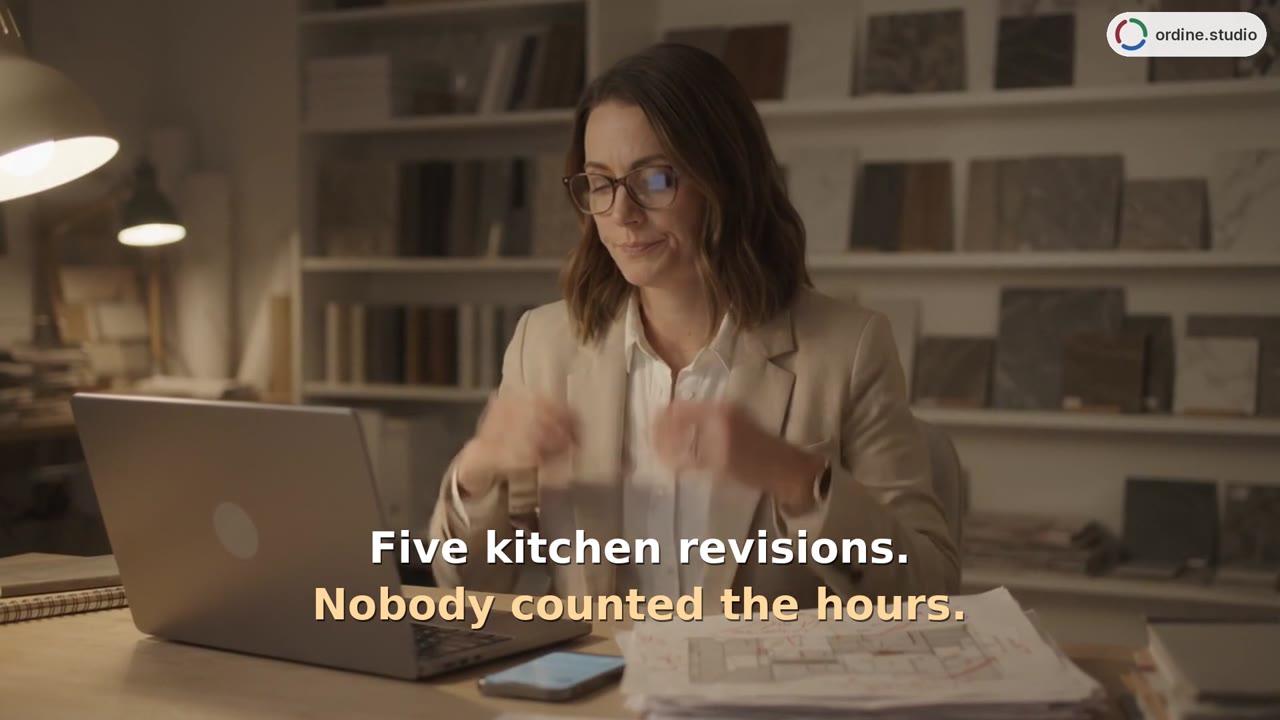 48 sHours and revisionsRecord time against tasks, compare included and completed revision rounds, and review hours by room and person.
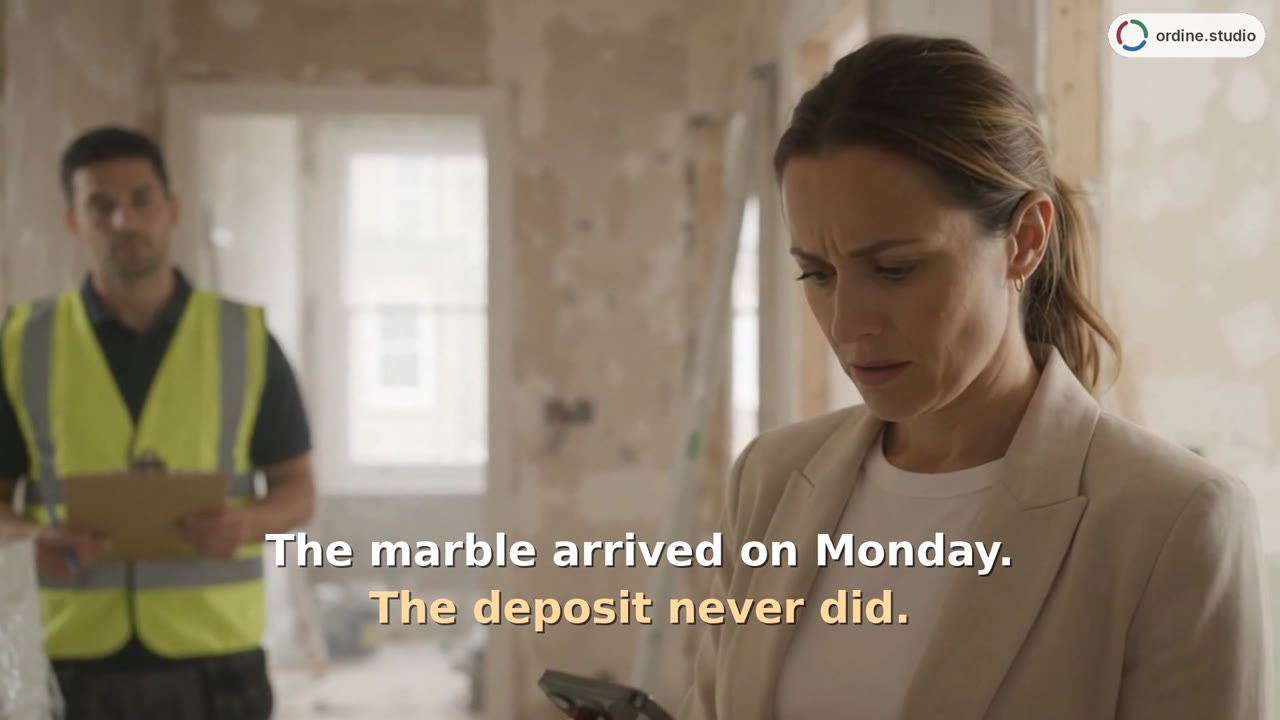 48 sSupplier orders and paymentsTrack the supplier, delivery date, and order status, and review client and supplier payments separately.
26years of managing renovations
Thoughtfully designed. Carefully delivered.
We developed Ordine in an interior design studio with 26 years of experience bringing design, ordering, and execution together.
We wanted a clearer, more consistent way to manage every project, from the first idea to the final handover.
Purpose-built for managing complete renovations, Ordine brings client agreements, tasks, checklists, orders, payment progress, contractor schedules, and hours together in one place, following three clear phases: Drawing, Ordering, and Execution.
For your part of the project, or the whole renovation.
Drawing, Ordering and Execution are connected in one program. A studio runs the complete project, an architect the design work, a contractor the orders and execution — use the phases that fit your work. For studios that value thoughtful design, consistent management and quality execution.
Interior design studios running complete renovations
From the first site visit and drawings to the final walkthrough. You bring the client, contractors and suppliers together — Ordine keeps everyone's next steps in front of you.
All three parts.
Architects who also manage execution
Design, client approvals and supervision on site, in one file. If you do not take on the build, you use the first part only — drawings, measurements and approvals.
All three parts, or just the first.
Turnkey renovation contractors
Firms that take on an apartment or a house complete. Orders, suppliers, subcontractor scheduling and closeout. If you have a designer in-house, add the first part.
Parts two and three, all three if needed.
Furniture showrooms and cabinetmakers fitting complete interiors
Showrooms that also measure, deliver and install, and cabinetmakers who also coordinate the electrical, plumbing, painting and other contractors — anyone who promises the client a finished room, not just a cabinet.
Parts two and three; the first when you draw yourself.
What interior design project management software actually has to do.
Sorted into three phases
Every task knows which phase it belongs to and who is carrying it. Open a project and you see where it stands.
What’s on your plate today
A separate list shows only what is live right now — across every project at once.
Dates and durations
A task with a deadline is a marker on one day; a task with a start and a duration is a bar. You see the installation as a band across the week.
Each check has its place
Every task carries its own checklist. Check it off when it is done — on the phone too, with gloves on.
A checklist for the site visit
What to measure, check, ask and photograph — point by point on your phone, with room for a note on each. A record of what you checked and what still needs attention.
Client and supplier
Deposits and payments by percentage. You see what is still outstanding — and when a delivery is due before it is paid in full.
Who, when, how much
Hardware, stone, lighting, tile. Supplier, delivery date and order status in one place.
Unlimited contractors
Electrician, plumber, painter, stone fabricator. Contacts, visits, and what has to be ready before they arrive.
Stopwatch and manual entry
Log time against tasks; the hours overview by room and person helps you price the next proposal.
Punch list, with a deadline
A punch list on the final task, a deadline to clear it, checked off until the project is closed. The project status as text, ready to send to the client.
Finished projects stay
In two years they call about the same kitchen — and you have the measurement notes, the orders and the suppliers on hand.
Phone, tablet, computer
Installs as an app. The same file everywhere, on up to twelve devices.
Draw, order, build — and the circle closes.
Each phase has its color, the same one in the list, on the schedule and in the mark. A closed circle means a finished project.
Visit, measure, draw, approve
Client, property, rooms. Measurements on site, an option, an approval. Changes stay on the record, so a month later it is clear what was agreed.
Orders, suppliers, dates
Material, hardware, lighting, stone, tiles. What is ordered, when it is promised, what is still missing before installation.
Contractors, installation, closeout
Contractor visits, installation prep and a running record of the work. The final walkthrough goes point by point to closeout.
What you agree, order and build stays with the project.
On a complete renovation you connect client approvals, supplier orders and contractor work. Ordine keeps it all with the project — from the chosen cabinet fronts to the stone fabricator's delivery date and the order of installation.
From the first site visit to the final walkthrough, you see what is done and what comes next — in the studio and on site.
- Client approvals→“Handleless fronts, integrated grip profile in black” — approved, with the date
- Site visit→What to measure, check, ask and photograph, with a note on each point
- Orders→Stone at the fabricator, delivery in week 42, 30% paid
- Schedule→Electrician on Tuesday, tile installer from Thursday
- Hours and revisions→Five revision rounds against three in the proposal — visible as you go
- Closeout→Four open punch list items, due Friday
Three things that set Ordine apart.
You buy a period, not a commitment
Nothing renews by itself and no card is charged on its own. At launch there is a three-month license; once you have decided, an annual one too. Renew before it runs out and you pay less — and the new period is added to the end of the current one, so paid days are never lost.
Your data is yours and stays yours
Projects live in your device's storage and in your own Dropbox folder. No project ever passes through our server, because we do not have one. Export always works — including after the license expires. A license unlocks the program, not your data.
It works where you work
In a basement, on a job site, in new construction with no signal. It installs as an app and runs offline; when the connection is back, the file syncs across your devices. No online activation needed, either.
Be among the first to work with Ordine.
Leave your email and reserve a place. When Ordine is released you will be among the first who can order — at the early price. You pay nothing now and commit to nothing.
- First in line at release
- Early price when you order
- A launch notice when it's released
What people ask first.
Do I have to use all three parts?
How many people can work on a project?
Where is my data?
Do I need an internet connection?
How does Dropbox fit in?
Is this a subscription?
When is it out and what will it cost?
Another 32 questions and answers are on the Questions and answers page, or you can simply ask the assistant.
Write to us — a person answers.
Wondering whether Ordine will suit the way you work? Ask — we reply within one business day.
The program is in English and Slovenian.
That is how it ships. Other languages follow only when we can check them ourselves — we would rather promise less and keep it. If a language matters to you, tell us when you sign up.