Before you leave the site, what still needs confirming?
An interior design site visit can leave you with completed checks, new client decisions and questions that still need answers. This 56-second Ordine demo shows how project notes and a checklist help keep those next steps visible.
Leave the site with a clear next step
The visit is ending, but the project is still moving. You have checked part of the kitchen, discussed finishes with the client and identified details that need another decision. Before those conversations become harder to recall, record what matters to the next stage of work.
Ordine brings a task note and its checklist into the same project workflow. Mark completed checks, keep unresolved items open and add the follow-up that comes out of the visit. The result is a written view of what has happened and what still needs your attention.
What does the kitchen-project demo show?
The demonstration records a specific client decision: the oak finish is approved, while the handle color is still to be confirmed. Two site-check items are marked complete. A note beside the handle-options item specifies brushed brass and matte black, and another checklist item captures the need to follow up on the client's choice.
Those details give the next working session a starting point. You can see the agreed finish, the alternatives to discuss and the action that remains open. You do not have to treat an unfinished choice as a completed task simply because the site visit has ended.
A checklist that leaves room for the conversation
A site visit is about more than measuring a room. It may include an access check, a discussion about materials or a question for a supplier. Ordine can hold the notes and actions around those conversations.
Pick up where you left off
For interior designers managing several projects, a clear follow-up list can make it easier to return to a project with context. The useful question is simple: which items are finished, and which still need a decision or action?
This fictional kitchen project shows one way to answer that question in Ordine. Adapt the wording of your notes and checklist items to the way your own studio works.
Questions and answers
What should an interior design site visit checklist include?
Can I add a follow-up after reviewing the checklist?
Can I add context beside a checklist item?
What happens when I join early access?
Make the next site visit easier to follow up.
Join the Ordine early-access list and receive an early price offer. No payment today. No commitment to buy.
More videos
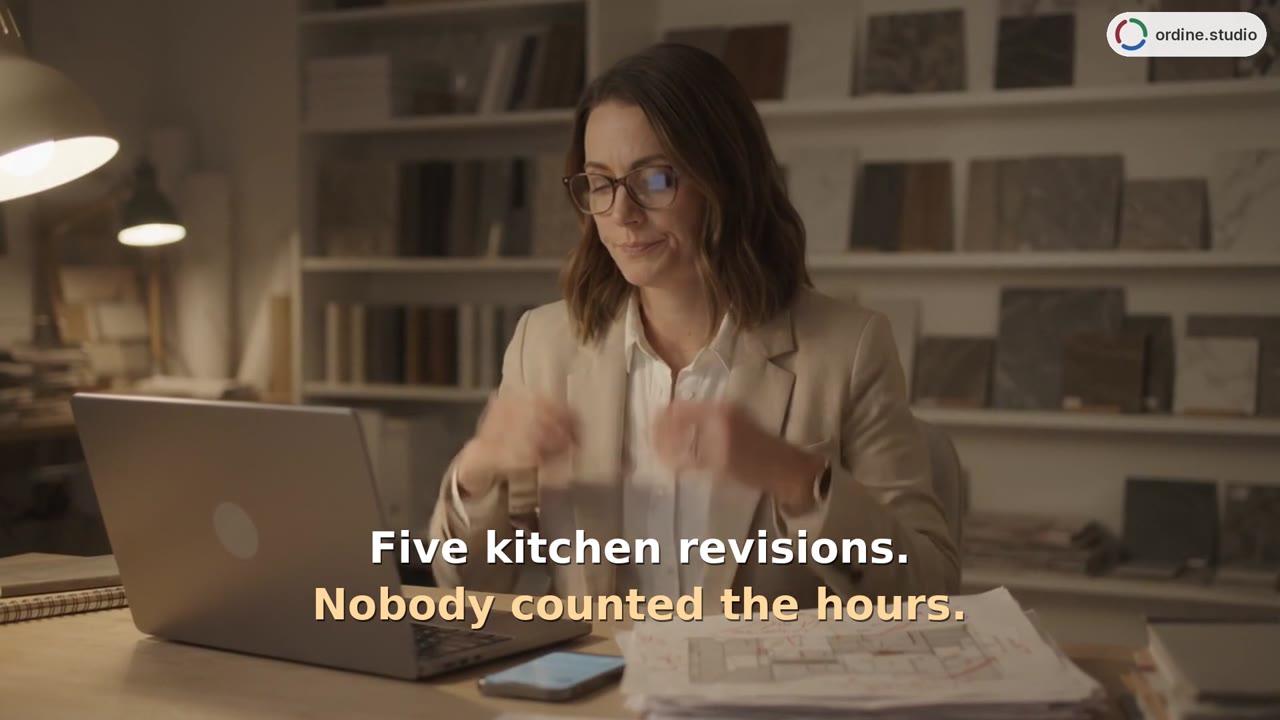 48 sHours and revisionsRecord time against tasks, compare included and completed revision rounds, and review hours by room and person.
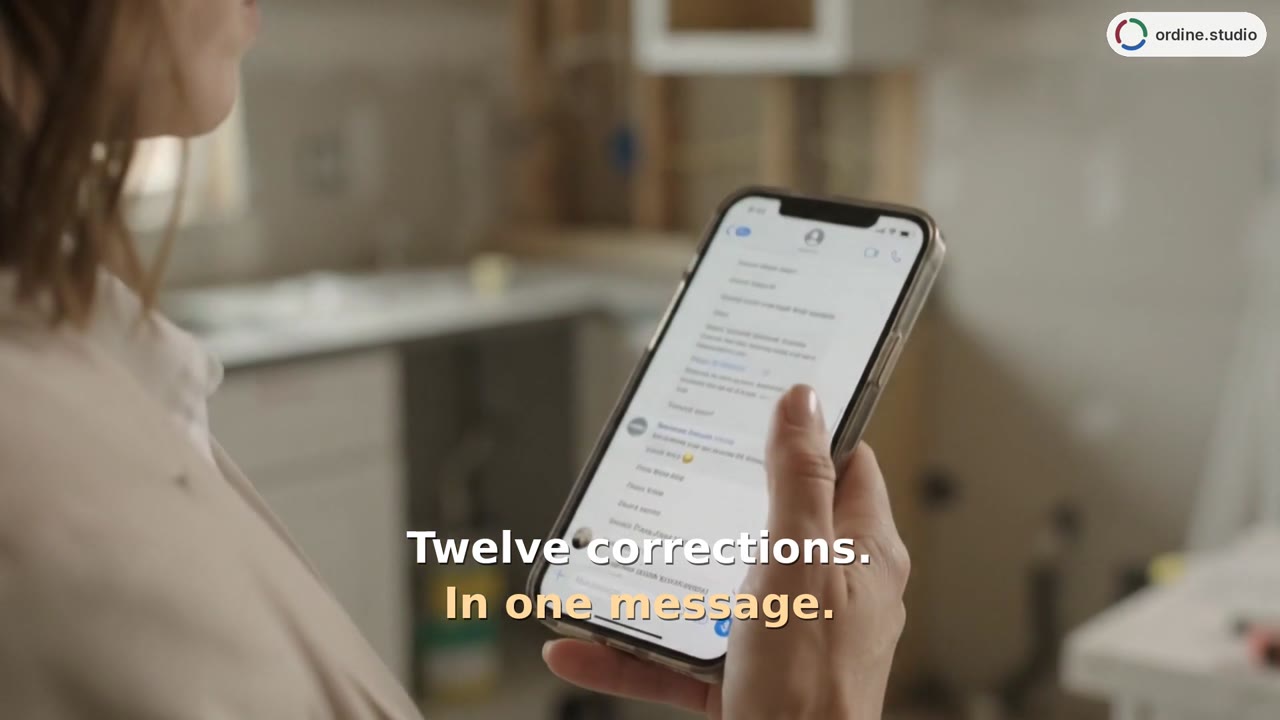 37 sClient change requestsCopy the corrections, paste them into a task's checklist and work through the resulting items. The phone-view demonstration adds a note, checks completed points and returns to Unfinished checklists.
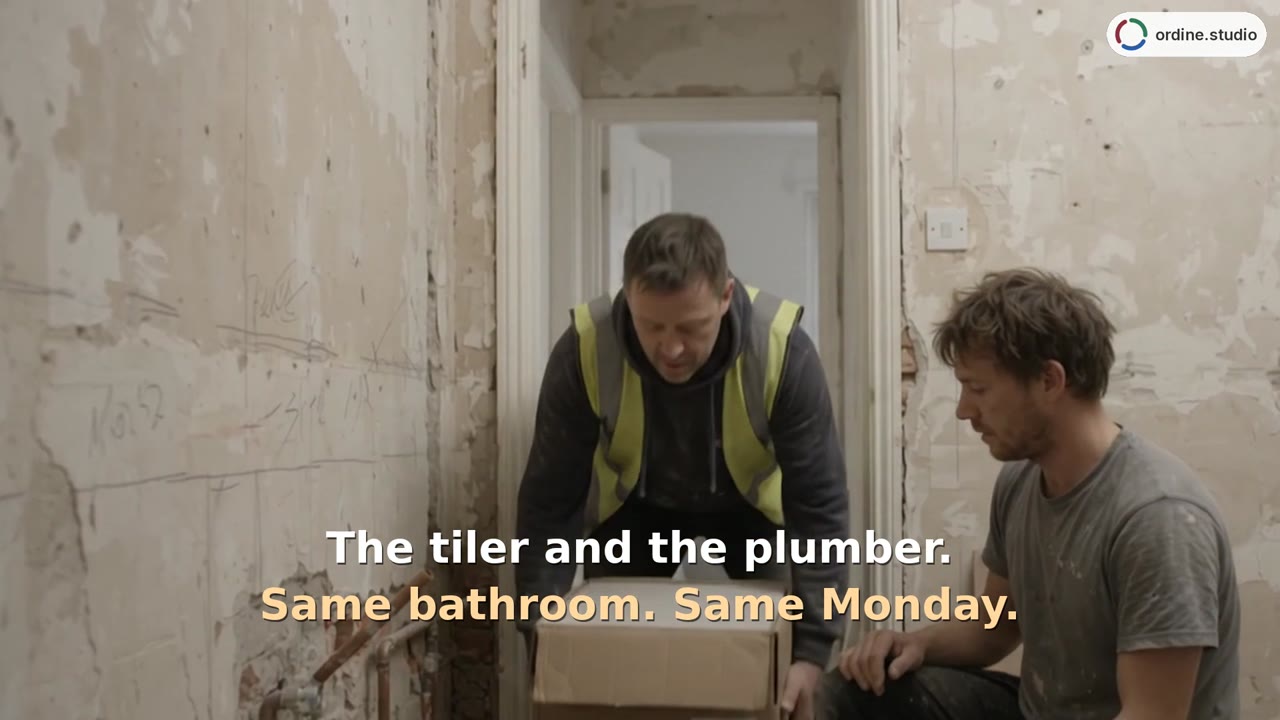 43 sSchedule and contractorsAdd appointments for the plumber and tiler, then review their timing alongside the electrician on the project timeline. Switch to Deadlines for a date-ordered task list.
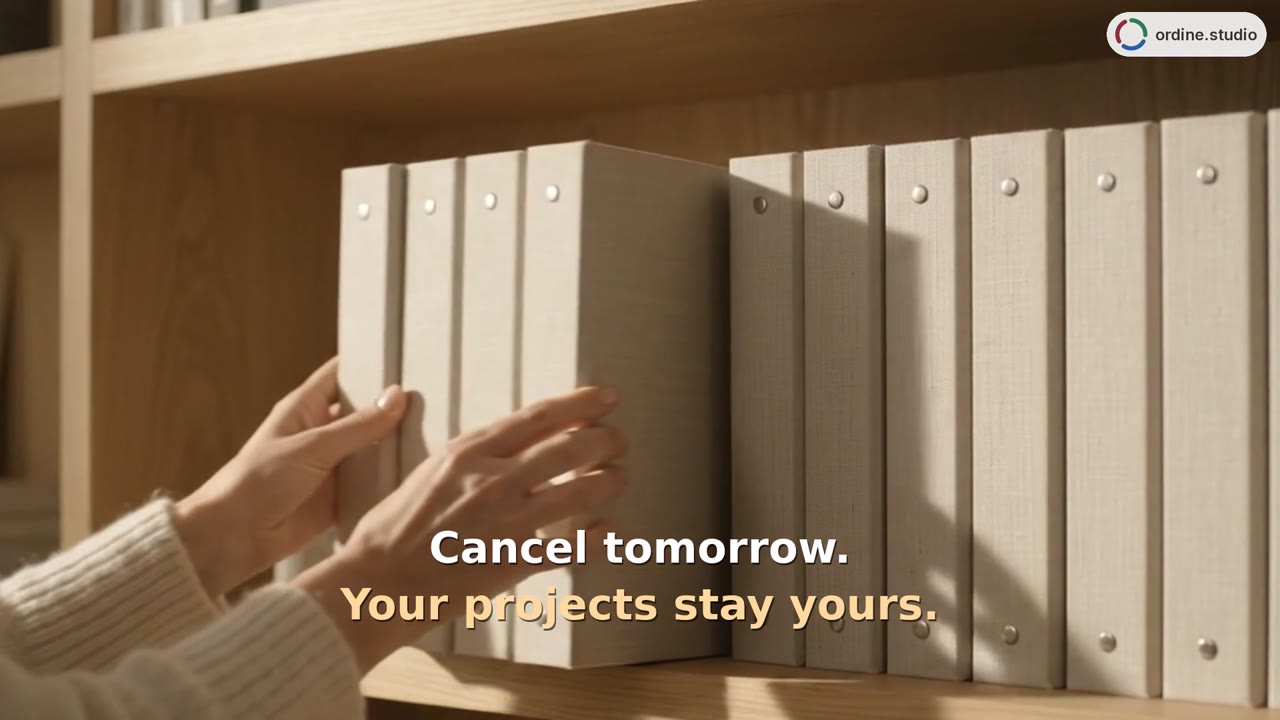 38 sYour data stays yoursCheck where the project is saved, open Saving and devices, and view the Dropbox connection option. Then open Status and use Copy all to copy the project text.