The electrician is booked. Is the site ready?
A date on the calendar does not tell the whole story. Interior designers coordinating work on site also need to track preparation, open questions and unfinished checks. This demo of task deadlines for renovation projects brings those details into the Ordine workflow.
A booked visit still needs preparation
The opening scene describes an electrician arriving before the walls are ready. It is an illustration of a coordination problem: booking a person is only part of arranging the work. The studio also needs to know which details still require checking before that visit.
Ordine provides a place for tasks, dates and notes within the project. The designer enters and reviews this information; it is not an automatic booking service or a substitute for confirming arrangements with the contractor.
Turn the next action into a task
The walkthrough introduces a task to confirm the countertop height with the stone fabricator. The task form includes a deadline, a start date and a duration. Giving the action a specific name makes it clearer what the next conversation needs to resolve.
This is especially useful when a studio handles both design decisions and coordination on site. A question about a countertop can affect more than the drawing: somebody needs to check the detail and record the result before work moves forward.
Record the appointment separately
The appointment example is labeled “Electrician — first fix” and includes a start and duration. An appointment describes a planned period of work, while a task describes something that needs doing. Keeping those ideas clear helps you read the plan when arrangements change.
The demo also shows a date adjustment and an on-screen notice. Before relying on a changed date, review what was actually updated. A longer appointment does not necessarily mean the task's deadline has changed as well.
Keep unfinished checks visible
A further checklist item asks the designer to check the countertop height against the windowsill. The walkthrough shows checklist progress and returns to Up Next, where the incomplete checklist remains visible.
The aim is a practical follow-up record: the task says what to do, the appointment records the planned visit and the checklist holds the detailed checks. Use these together to prepare for the next conversation or site visit.
Task deadlines for renovation projects need context
A deadline becomes more useful when you can see the action it belongs to. In this example, the countertop question has a named task, while the electrician's visit has an appointment. Reading the entries together provides more context than a date alone.
The checklist adds another level of detail. It does not replace the task or the appointment; it records a specific check within the work. The item about the windowsill makes the question concrete enough to revisit on site.
For a studio coordinating several conversations, this structure creates a point of return. Open the project, review the task, check the planned visit and look at the unfinished list. The video follows that pattern within one kitchen project, showing a manageable sequence rather than a complete renovation schedule.
Questions and answers
What is the difference between a task and an appointment?
Can I add another check as the project develops?
Does Ordine contact the electrician for me?
Can I join early access without buying?
Keep the appointment and the preparation in view.
Join the Ordine early-access list for launch news and an early price offer. No payment today. No obligation to buy.
More videos
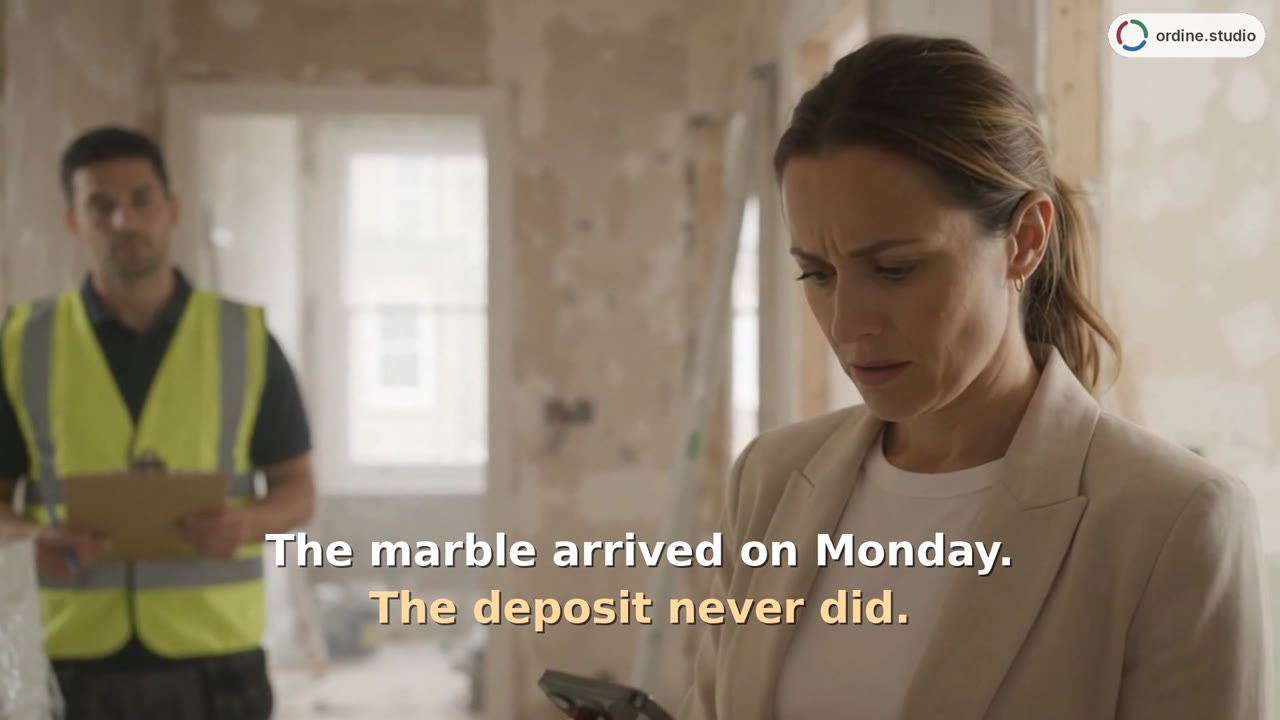 48 sSupplier orders and paymentsTrack the supplier, delivery date, and order status, and review client and supplier payments separately.
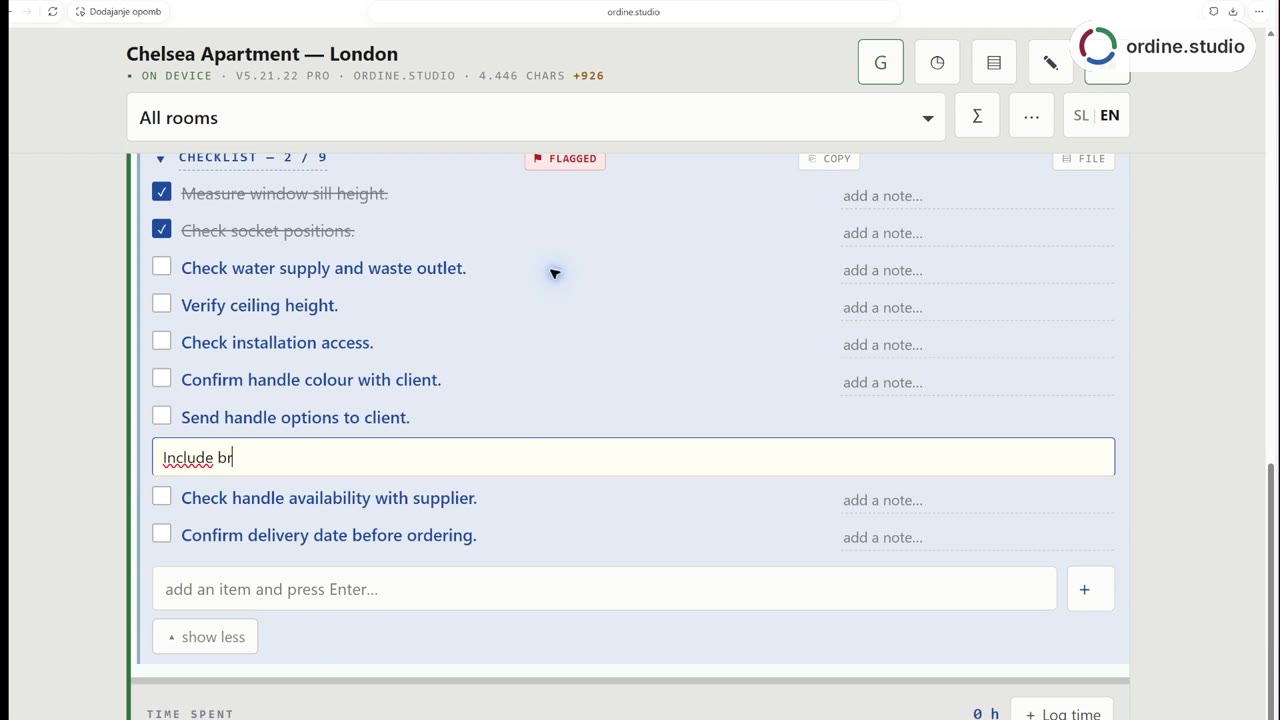 56 sSite visit checklistFollow a kitchen-project workflow in Ordine: review a checklist, mark two checks complete, record the client's finish choice and add a follow-up about the handle selection. The demonstration combines a staged site scene with a real recording of the app.
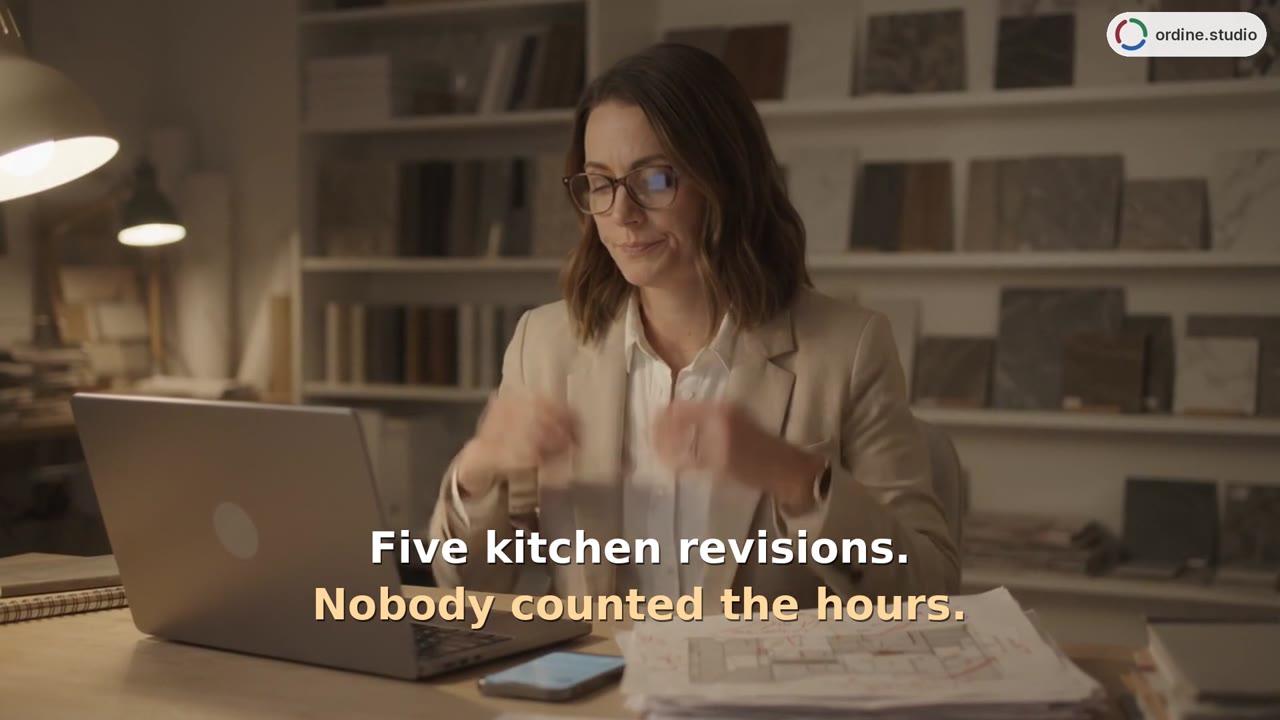 48 sHours and revisionsRecord time against tasks, compare included and completed revision rounds, and review hours by room and person.
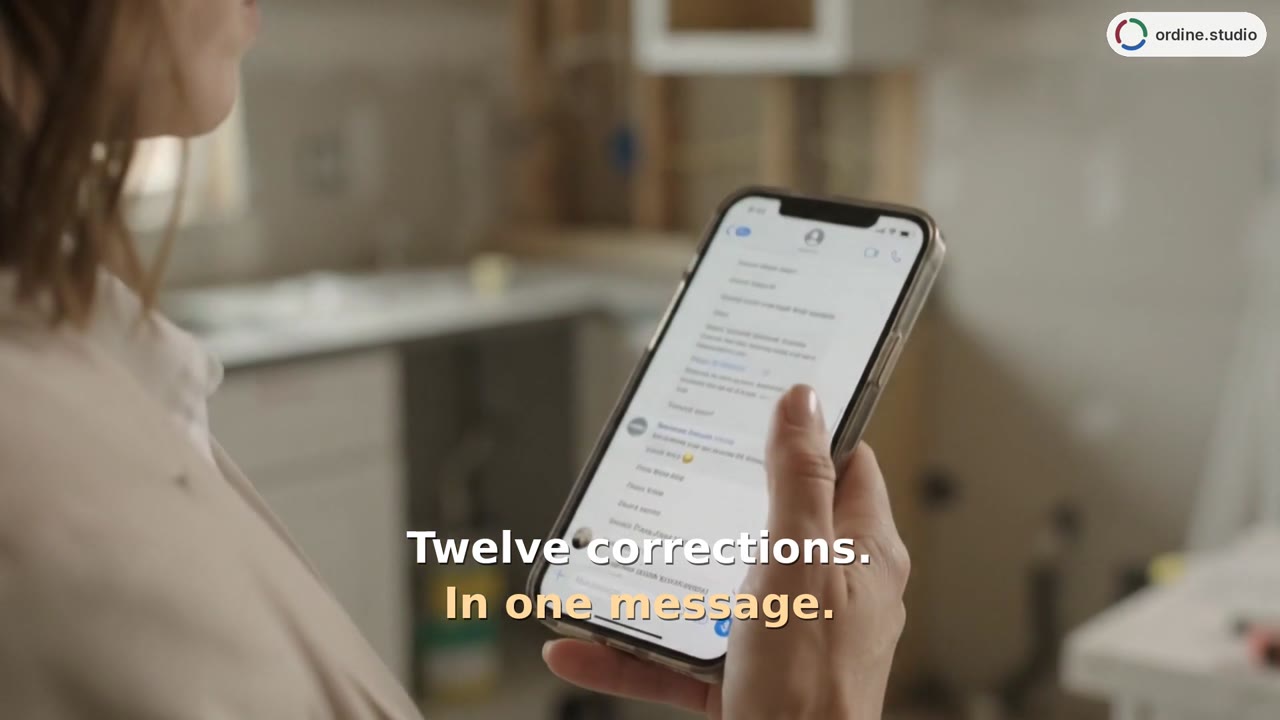 37 sClient change requestsCopy the corrections, paste them into a task's checklist and work through the resulting items. The phone-view demonstration adds a note, checks completed points and returns to Unfinished checklists.