You have made this checklist before. Use it again.
A reusable site measurement checklist gives the next visit a practical starting point. This Ordine walkthrough copies a kitchen checklist into a bathroom task, resets the checks for the new task and adds a point for the new room.
Start the next visit with experience
Some checks come up on project after project. The opening scene illustrates the repetition of typing them again, while the application walkthrough shows how an existing list can become the starting point for another task.
The example begins with a kitchen measurement checklist. Two of its five points are already checked. That makes the next step useful to watch: you want to reuse the checks while starting a fresh record for the next visit.
Copy a reusable site measurement checklist
Open the existing checklist and use its copy control. The walkthrough then moves to the bathroom work and pastes the list into a task called “Site meeting with client.”
The five points arrive together. The new task now has a checklist to work through, based on the one already used for the kitchen. Copying gives those checks a place in the next task without entering each point again.
This connects a previous working list with a new piece of project work. The source list supplies a starting structure, while the destination task gives it a new context.
Begin with every check open
The pasted checklist shows 0/5, even though two items were complete in the source. Every point is ready to be checked for the new task.
That detail matters on site. A check completed for the kitchen belongs to that kitchen visit; the bathroom task needs its own record of what has been checked there. The walkthrough makes the fresh state visible immediately after pasting.
Look at the counter as well as the copied text. Together, they show that the list has been reused and that completion still needs to be recorded for the new task.
Adapt the list to the room
The demonstration adds “Check floor drain fall” to the bathroom list. It is a short example of adapting an existing checklist to the work in front of you.
A copied list is a starting point you can develop. Review what applies to the room, then add the checks that its particular conditions require. The useful habit is to carry forward experience while still looking carefully at the next space.
The narration also explains that a checklist can be pasted into another project. That extends the same idea beyond this kitchen-to-bathroom example: an established list can support a later job.
Build a better starting point over time
Watch the sequence from source checklist to fresh checks and then to the added bathroom point. It shows how an existing working list can develop through use.
For a studio making repeated site visits, this gives experience a practical form: a list that can be copied, reviewed and adapted as the work changes. Each visit still needs your attention and judgment about the room.
Ordine does not verify measurements or confirm site conditions for you.
Questions and answers
Are completed checkmarks copied into the new task?
Can I add a room-specific check after pasting?
Can I reuse a checklist in another project?
Where is the copied checklist used in this example?
Carry what you learned into the next site visit.
Join the Ordine early-access list for launch news and an early price offer. No payment today. No obligation to buy.
More videos
 44 sSnag list at handoverReview final items one by one, record completed repairs, and copy the project status for a client message.
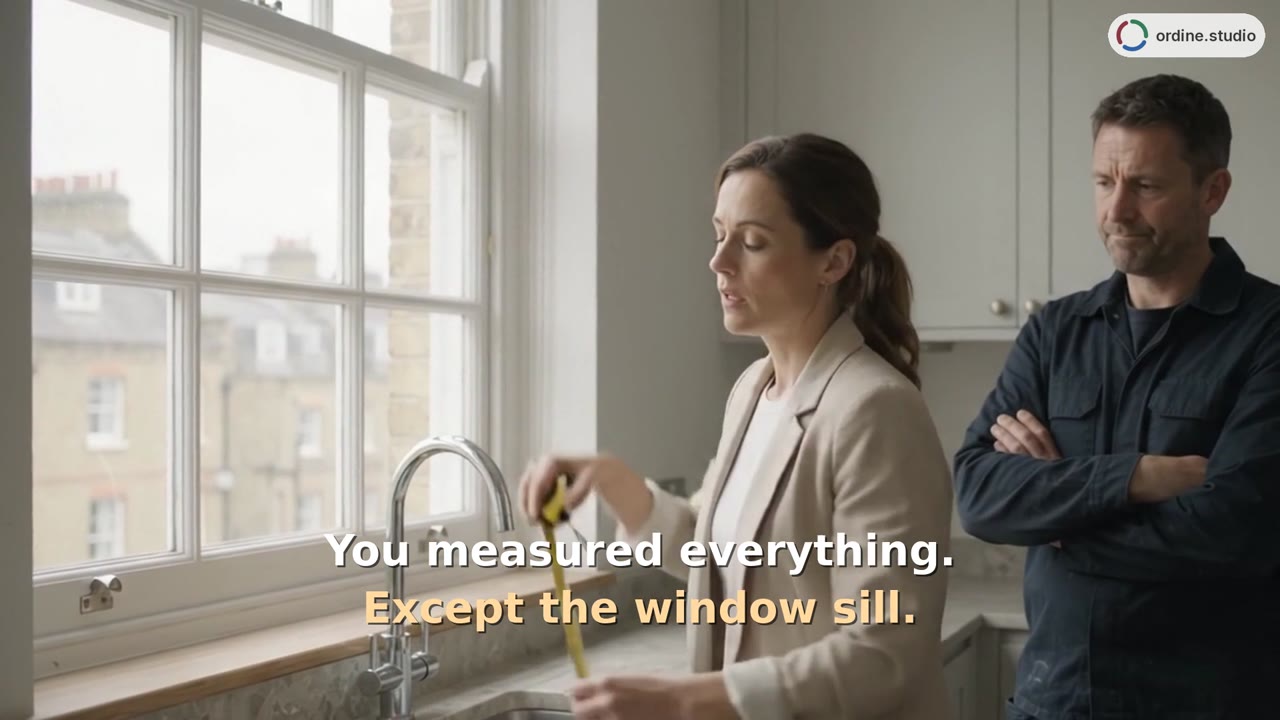 75 sGetting startedExplore the project setup, three work phases and a kitchen checklist in Ordine. The walkthrough shows a note beside a site check, completed checklist items, the task timer and the Up Next overview.
 53 sTasks and deadlinesA kitchen-project walkthrough introduces a new task, appointment details and a checklist follow-up. See how dates and unfinished checks appear alongside the work in Ordine's Up Next overview.
 48 sSupplier orders and paymentsTrack the supplier, delivery date, and order status, and review client and supplier payments separately.